
Keeping a todo list online has quietly become one of the most reliable productivity upgrades of 2026. Sticky notes fall off monitors, memory fails under pressure, and cluttered inboxes bury the tasks that actually matter. A clean, browser-based task list keeps your commitments in one searchable place you can reach from any device — no bloated app, no subscription, no learning curve. This guide shows how to build a system that sticks and which free tools make daily execution effortless.
Productivity is not about doing more; it is about doing the right things without dropping the others. The tools below are designed around that principle: capture fast, decide clearly, and finish what you start.
Why an online todo list beats paper and memory
Our brains are excellent at thinking and terrible at storage. Every open loop you try to hold in your head drains attention that could go toward the work itself. Writing tasks down offloads that burden, and doing it online adds sync, search, and structure on top.
A web-based list is available the instant inspiration or obligation strikes, whether you are on a laptop at your desk or a phone in a meeting. Nothing gets lost between devices.
Core benefits at a glance
- Always accessible — one list across every device and browser.
- Searchable — find any task in seconds instead of scanning paper.
- Frictionless capture — add an item before it slips your mind.
- Zero clutter — no app installs eating storage or battery.
How to build a todo list online that you will actually use
Most task systems fail not because the tool is weak but because the habits around it are vague. A few simple rules turn a list into a dependable engine.
Five habits that make it stick
- Capture everything the moment it appears — do not filter while capturing.
- Write each task as a verb-first action, like “email the vendor,” not “vendor.”
- Pick three priorities each morning before opening any inbox.
- Review the full list once at the end of the day and clear the noise.
- Break any task larger than an hour into smaller, concrete steps.
The verb-first rule is deceptively powerful. A task phrased as a clear action removes the split-second hesitation that causes procrastination, so you start instead of stalling.
Beyond tasks: the file chores that slow you down
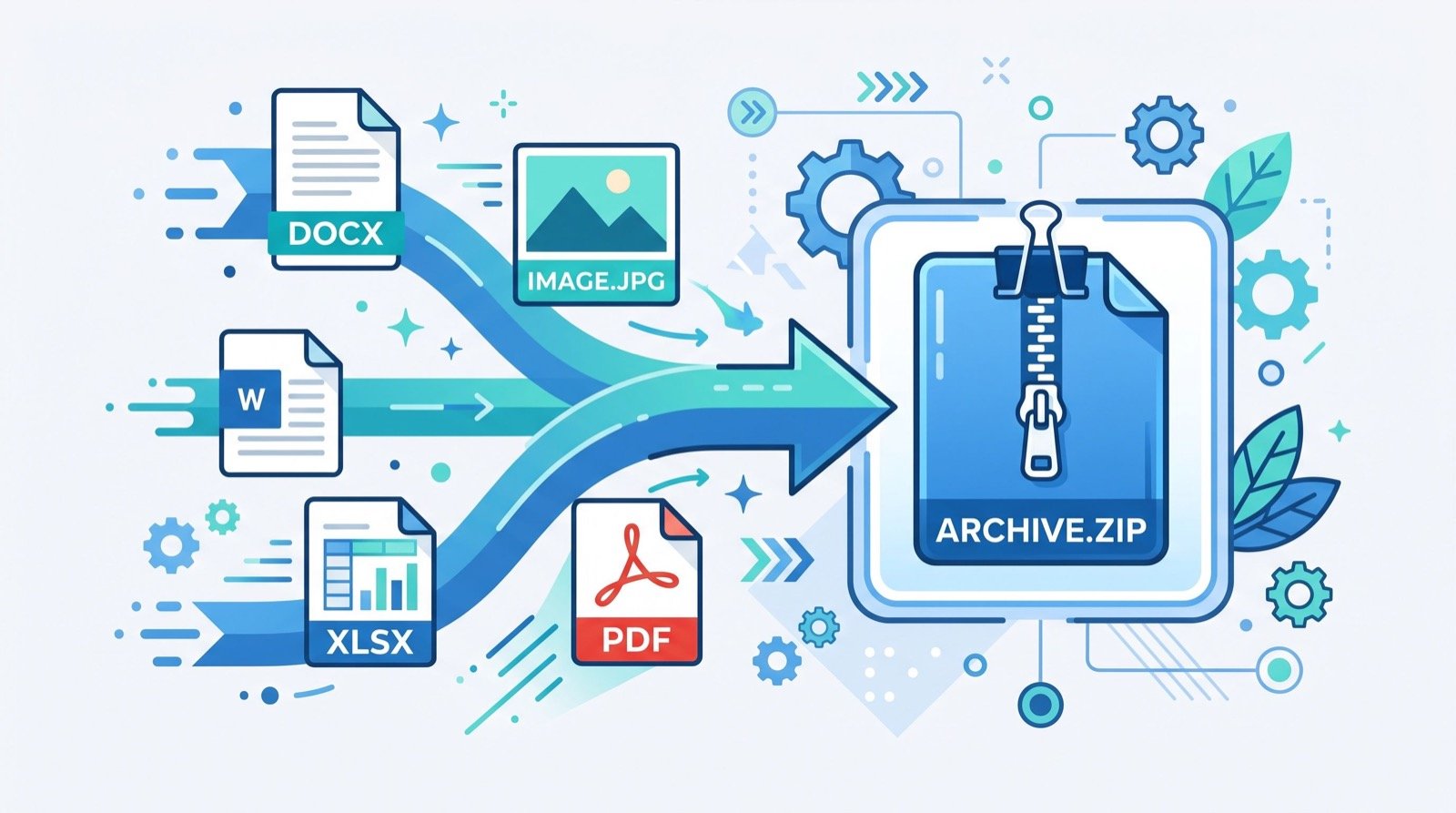
Productivity is not only about deciding what to do — it is also about handling the small technical friction that eats your day. Compressed archives are a classic example. You receive a bundle of files, and suddenly you need software just to open them.
A browser-based online ZIP extractor tool removes that snag entirely. You drop the archive into the page, it unpacks in your browser, and you download exactly the files you need — no desktop utility to install or update.
Why ZIP still dominates in 2026
The ZIP format endures because it is universal and efficient. As MDN Web Docs notes, compression reduces file size for faster transfer and storage, which is exactly why nearly every download bundle you receive arrives zipped. Being able to open one instantly, without extra software, keeps your workflow moving.
Which free productivity tools work best together?
A lean stack beats a bloated one. The table below pairs common daily frictions with the free web tool that clears them, so you can assemble a setup that fits your real routine.
| Daily friction | Free tool | Time saved |
|---|---|---|
| Forgetting tasks | Online todo list | Hours per week |
| Opening archives | ZIP extractor | Minutes per file |
| Quick math | Calculator | Seconds per task |
| Formatting text | Case converter | Minutes per doc |
Notice the theme: each tool removes a tiny recurring cost. Those small savings compound into hours of reclaimed focus over a month.
Keep the system lightweight
- Use one list, not five scattered ones.
- Favor browser tools over installs to avoid maintenance.
- Archive completed items weekly to keep the view clean.
- Sync your list so mobile capture is always available.
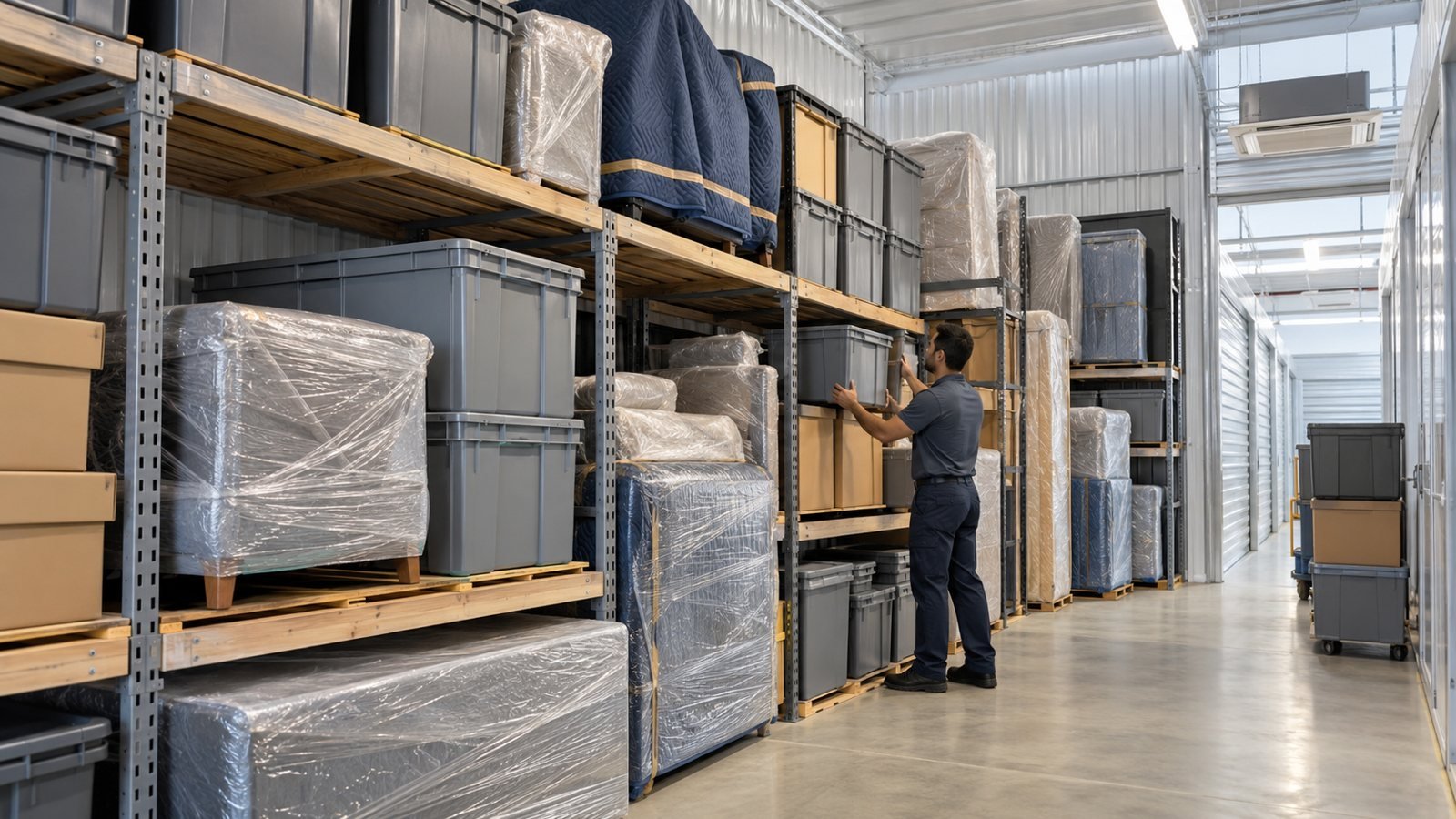
For teams juggling office moves, launches, or logistics alongside daily tasks, leaning on an experienced local team frees you to focus on the work only you can do while the operational details stay handled.
Avoiding the productivity-tool trap
There is a paradox at the heart of productivity: the pursuit of the perfect system can itself become a form of procrastination. People spend hours tweaking apps, testing new methodologies, and reorganizing lists instead of doing the work. A lean, browser-based setup guards against this by design — there is simply less to fiddle with.
The goal is a system so simple you barely think about it. When capturing a task takes two seconds and reviewing your list takes two minutes, the tool disappears and the work takes center stage. That invisibility is the mark of a system that actually serves you.
Signs your setup has become the distraction
Watch for the warning signs. If you are switching tools every few weeks, color-coding tasks more than completing them, or feeling anxious about maintaining the system, the tail is wagging the dog. Strip back to the essentials: one list, three daily priorities, and a short evening review.
Resist the temptation to automate everything. Some manual friction is healthy because it forces a moment of decision about whether a task truly matters. Over-automation can bury important items under a flood of auto-generated noise, which is the opposite of clarity.
Ultimately, productivity is a practice, not a purchase. The free tools described here remove genuine friction, but they work only when paired with the small daily disciplines of capturing honestly, prioritizing ruthlessly, and reviewing consistently. Keep the stack light, keep the habits steady, and the results compound quietly over months.
Frequently Asked Questions
Is an online todo list better than a dedicated app?
For most people, yes. A todo list online requires no install, syncs across devices, and loads instantly in any browser. Dedicated apps add features you may never use while consuming storage and adding maintenance overhead.
Is it safe to use an online ZIP extractor tool?
Reputable browser-based extractors process files locally or over a secure connection and delete them shortly after. Always use a trusted tool, avoid uploading sensitive documents to unknown sites, and check that the page uses HTTPS.
How many tasks should I put on a daily list?
Capture everything, but commit to only three top priorities each day. A focused shortlist prevents overwhelm and makes it far more likely you finish what truly matters instead of skimming many things.
Do these free tools require an account?
The best free web tools work without sign-up. You can build a todo list or extract a ZIP archive immediately, which keeps friction low and protects your privacy since no personal data is collected.
Build your productivity stack today
A todo list online, backed by a few frictionless free tools, is the simplest system for finishing what matters in 2026. Capture fast, decide clearly, and let browser-based utilities handle the busywork. Start your list today, add a ZIP extractor to your bookmarks, and reclaim the focus that scattered tasks quietly steal.